The Ultimate Guide to Building an Effective Contact Form
Organisations must have a robust online presence in today's fast-paced digital world. While engaging on social media and producing quality content is...
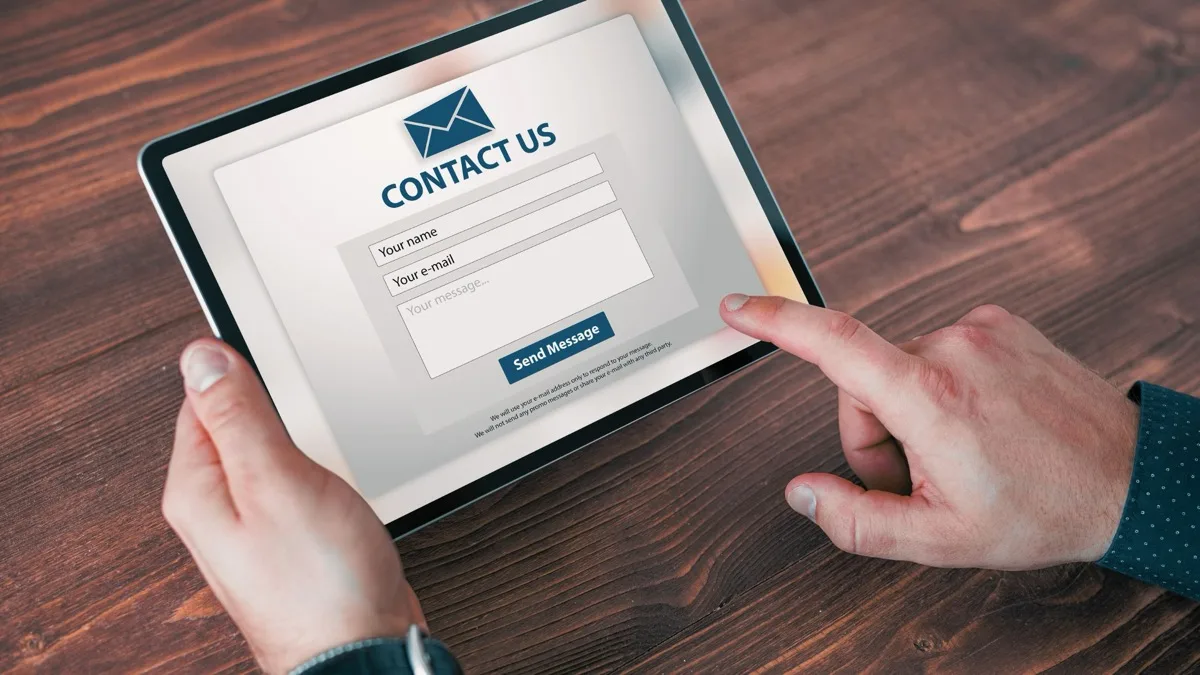
Organisations must have a robust online presence in today’s fast-paced digital world. While engaging on social media and producing quality content is essential, ensuring your website’s visitors can quickly contact you should be a top priority. This is where an effective contact form comes in.
A contact form is more than just a simple tool for communication; it can help you generate leads, improve customer service, and gather valuable insights from your audience. Leading email form makers will discuss the critical elements of building an effective contact form and highlight some classic mistakes you should avoid.
Critical Elements of an Effective Contact Form
-
Keep it simple and focused: The primary goal of a contact form is to facilitate communication between you and your audience. To achieve this, it is essential to keep the form as simple and focused as possible. Limit the number of fields to only what is necessary, as too many areas can be overwhelming and lead to form abandonment. Research shows that reducing the number of form fields can increase form completion rates by up to 160%.
-
Make it mobile-friendly: According to seasoned email form makers, over 50% of web traffic comes from mobile devices. Therefore, it is essential to ensure that your contact form is easily accessible and functional on mobile devices. Use responsive design to create a form that adapts seamlessly to different screen sizes and orientations.
-
Use clear and concise labels: Ensure that each field in your contact form has a clear and concise label describing the information you are requesting. Doing this will make it easy for users to understand what is required and minimise the chances of them making errors or leaving fields blank.
-
Add a clear call-to-action (CTA): A strong and clear call to action is crucial to encourage users to submit the form. Use action-oriented words like “Submit,” “Send,” or “Get in touch” rather than generic terms like “Click here.” Ensure the CTA button is prominent and easy to spot on the form.
-
Include a privacy statement: Reassure your users that their personal information is safe with you by including a brief privacy statement or a link to your privacy policy. Doing this will help build trust and increase users’ chances to provide their contact details willingly.
Classic Mistakes to Avoid
-
Asking for too much information: Asking for too much information can be a major deterrent for users. Stick to the essentials like name, email address, and a message field. If additional information is required, consider making those fields optional or using a multi-step form to break down the process.
-
Using CAPTCHAs: While CAPTCHAs can help prevent spam, they can also be a significant user barrier. CAPTCHAs can be frustrating and time-consuming and can lead to form abandonment. Instead, consider using alternative spam prevention techniques such as honeypot fields or simple math questions.
-
Neglecting error messages: Error messages are an essential aspect of a user-friendly contact form. Ensure your error messages are clear, concise, and helpful. Highlight the fields with errors and guide how to fix the issue.
-
Poor form design: Seasoned email form makers point out that a poorly designed form can be off-putting and difficult to navigate. Ensure your form design is clean, visually appealing, and easy to understand. Use white space effectively, group related fields together, and ensure the form is consistent with the overall design of your website.
-
Ignoring analytics: By analysing the performance of your contact form, you can identify areas for improvement and make data-driven decisions. Monitor form abandonment rates, completion rates, and users’ time to complete the form. Use this data to optimise your form for better results.
Conclusion
An effective contact form is a crucial component of a successful online presence. You can increase engagement and generate valuable leads by keeping the form simple, mobile-friendly, and user-friendly. Avoid the classic mistakes mentioned above to ensure your contact form is a powerful communication tool for your business or organisation.Are you tired of dealing with the hassle of building a secure backend for your forms? With SnipForm, you can easily add a feature-rich backend to your hosted form using markup only. Try SnipForm today and see the difference for yourself!
Tagged