Snipform: An Easy Tool for Creating Professional Forms
In this digital age, online forms have become essential tools for businesses and organisations to collect information, engage users, and streamline...
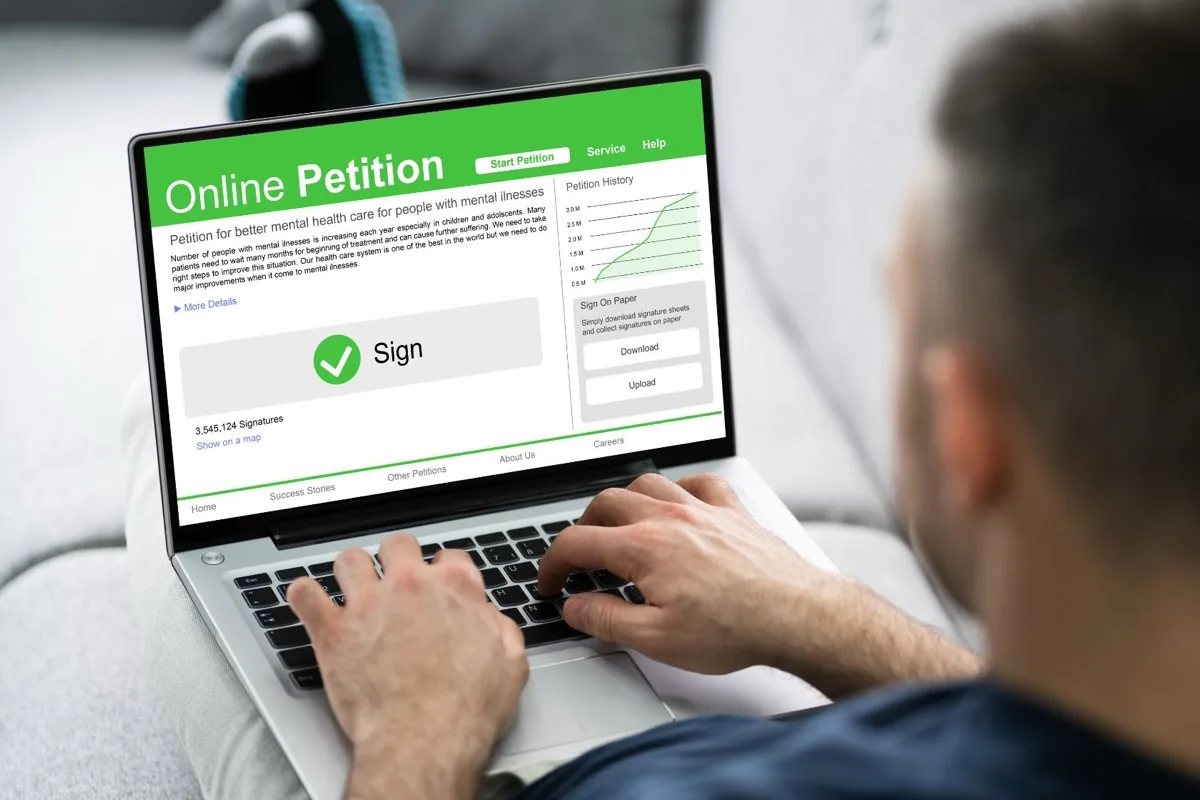
In this digital age, online forms have become essential tools for businesses and organisations to collect information, engage users, and streamline communication. Consequently, there is a growing need for easy-to-create, customisable, and professional forms. This is where SnipForm comes in – providing a simple yet powerful solution for creating user-friendly and secure forms using markup language only.
SnipForm is a versatile tool that allows anyone to create and customise feature-rich online forms without the need for complicated configuration or coding. This intuitive solution requires only markup language knowledge to design professional and functional forms, making it accessible even to users with minimal technical expertise. The result is a secure, responsive, and user-friendly form that can effectively collect data, process payments, and streamline operations, ultimately saving businesses and organisations time and effort.
This blog post will explore the diverse features and advantages of using SnipForm to create professional forms. We will delve into the form creation process, highlighting how SnipForm streamlines form development while offering customisation options to suit various needs. Moreover, we will discuss the security features ensuring the safe collection and handling of data and the possibilities SnipForm grants for integration with other popular platforms and tools, enhancing its utility for businesses of all sizes and industries.
So, whether you are a small business owner, non-profit organisation worker, or web development professional seeking an efficient yet robust solution for online form creation, SnipForm provides an array of advantages to meet your needs and optimise your digital interactions.
1. Simplifying Form Creation with SnipForm’s Markup Language
One of the most significant advantages of SnipForm is its ease of use. Unlike many online form builders that require knowledge of complex coding languages, SnipForm utilises markup language to design forms, allowing users to create professional and responsive forms with minimal technical expertise. The entire process is as simple as writing and editing the form’s HTML markup, making it accessible to users of various skill levels.
To create a form with SnipForm, users simply need to:
- Start with basic HTML markup for their desired form elements, such as input fields, checkboxes, or drop-down menus.
- Add SnipForm’s custom attributes to ensure the form functions correctly and securely.
- Publish the form on their website or share it via email or social media platforms.
This streamlined process allows users to spend more time focusing on form design and content rather than dealing with complex code and technical intricacies.
2. Customisation and Flexibility to Suit Your Needs
SnipForm offers a wide array of customisation options to ensure forms meet the specific requirements of various businesses and organisations. These options include the ability to add custom fields, design unique form layouts, and integrate forms with other popular platforms and tools.
Key customisation features include:
- Custom Fields: Users can choose from a variety of field types, such as text inputs, checkboxes, radio buttons, and drop-down menus, to collect the information they need from users.
- Custom Design: SnipForm grants users full control over the form’s design, enabling them to create unique layouts, custom colours, and stunning styles that match their brand or website.
- Form Integrations: SnipForm can be seamlessly integrated with other popular platforms, such as CRM systems, email marketing tools, and payment processors, to enhance the form’s functionality and streamline data management.
The combination of these customisation features ensures that each form created with SnipForm can be tailored to the unique needs and goals of any business or organisation.
3. Robust Security for Safe Data Collection and Handling
Data security is a top priority for any online form, as businesses and organisations must ensure the safe collection, storage, and handling of sensitive information. SnipForm addresses this concern by providing robust security features, including:
- Secure Data Transmission: SnipForm uses Secure Socket Layer (SSL) encryption to protect data transmitted between users and the server. This means that any information collected through a SnipForm-created form is securely encrypted during transmission, preventing data interception and tampering.
- GDPR Compliance: As a business operating within the European Union, SnipForm adheres to the General Data Protection Regulation (GDPR) to ensure the safe and responsible handling of user data.
- Anti-Spam Measures: SnipForm incorporates anti-spam features, such as reCAPTCHA, to help prevent fraudulent form submissions and protect the integrity of the data collected.
By prioritising data security, SnipForm provides businesses and organisations with peace of mind when collecting sensitive information through their online forms.
4. Streamlined Data Management and Analysis
Collecting and managing data from online forms can be a time-consuming task. However, SnipForm offers tools that help streamline data management and analysis, making it easier for users to process, organise, and understand the information they collect. Some of these tools include:
- Data Export: Users can conveniently export form data in various formats, such as CSV or XLS, for easy data analysis and integration with other systems.
- Real-time Data Insights: SnipForm provides a dashboard where users can access real-time insights and analytics for their forms, allowing them to monitor form performance, user engagement, and other critical metrics.
- Automated Workflows: By integrating with other popular platforms, SnipForm can help automate various tasks, such as adding new contacts to CRM systems or sending follow-up emails to users who fill out a form.
These streamlined data management and analysis tools ensure that businesses and organisations can efficiently process and analyse the information they collect, enabling them to make informed decisions and improve their offerings and processes.
Conclusion
In conclusion, SnipForm provides an easy, flexible, and secure solution for creating professional online forms. Its streamlined form creation process, customisation options, robust security features, and powerful data management tools make it an invaluable resource for businesses and organisations of all sizes.
By leveraging SnipForm’s vast array of features and advantages, users can design forms that not only streamline data collection and analysis but also optimise overall digital interactions – ultimately enhancing user experience, driving engagement, and realising their organisational goals.
Ready to simplify your online form creation process and discover the advantages of SnipForm for yourself? Sign up for a free trial today and begin creating feature-rich, professional, and secure forms with our forms platform!